Agentic AI Development: What I've Learned from Using Cursor, Antigravity, Claude and Codex

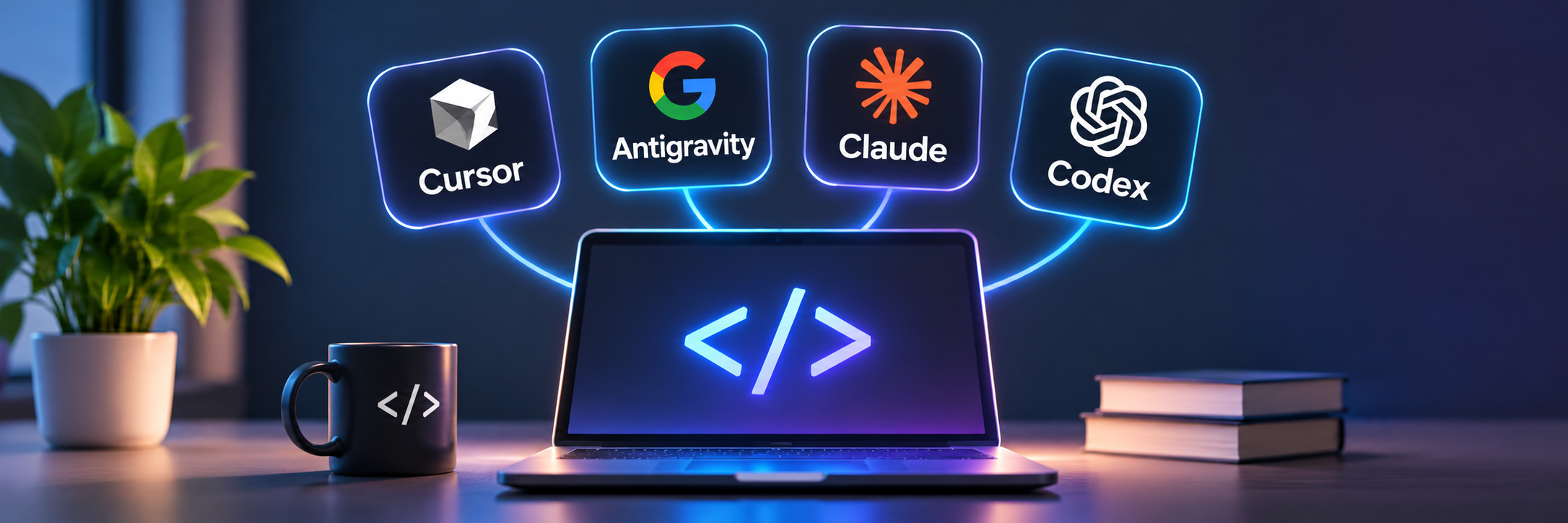
AI agents can now write, debug and refactor code far faster than we can. But after months of using Cursor, Google Antigravity, Claude and Codex, I've learned that the quality of what they produce depends on how clearly we explain the task, how much context we give, and how carefully we review the result.
Here's what has worked for me.
1. Use the right tool for the job
Each tool has its strengths:
- Google Antigravity is my pick for website design and frontend work: modern layouts, responsive pages and quick UI prototypes.
- Claude is fast at implementing backend logic and working with existing codebases: understanding complex code, finding bugs and security issues, and refactoring.
- Cursor shines on existing projects, thanks to Skills and project-level context that keep its output consistent with your code.
- Codex I haven't used enough to compare fairly, but it's worth trying for multi-file changes and code reviews.
Don't be loyal to one tool. Try them and use each where it's strongest.
2. Write a clear prompt first
"Create a login API" leaves the AI guessing. Spend a few minutes on the details instead:
- What is it for, and which stack?
- Which existing services or utilities should it reuse?
- How should authentication, validation and errors work?
- What should the responses look like?
The fewer assumptions the AI has to make, the fewer rounds of corrections you'll need. A few minutes of writing saves far more time and tokens later.
3. Make it learn the existing codebase first
New projects are easy for AI. Existing ones are not: they have standards, patterns, shared utilities, dependencies and business rules that aren't obvious from one file. Left alone, AI will add a library you already have, invent its own pattern, or break something that worked.
So I start with an instruction like this:
Before making any changes, study the project structure and similar implementations. Follow the existing patterns and reuse existing utilities. Don't add dependencies or change conventions without asking.
AI should adapt to your architecture, not the other way round.
4. Use Skills to keep code consistent
Skills are reusable instructions the AI follows for a type of task, for example backend APIs, frontend, code reviews or tests. A backend skill might explain how you structure services, handle errors, validate input and write queries.
You stop repeating the same context in every chat. Keep skills short, practical and up to date as the project changes.
5. Try AI in the terminal
I like command-line tools such as Claude Code and Codex CLI. The terminal has no distractions, works well on remote machines, shows every command, file change and error in one place, and fits naturally with Git, scripts and CI/CD.
6. Connect your tools with MCP
Model Context Protocol (MCP) lets the AI read from the tools you already use, so you stop copying and pasting:
- Jira: read stories and acceptance criteria, and summarise bugs.
- GitHub: explore repos, review pull requests and investigate issues.
- Docs: look up architecture decisions and guidelines.
For example: "Read story PROJ-123, check the related code in our repo and propose a plan. Don't change any files yet."
Only connect what you need, with the least access possible. An MCP connection is a real integration with real security implications.
7. Set rules for your repository
Never give AI free rein over Git. I keep rules like these in a project file such as AGENTS.md:
- Never work on
mainor protected branches. Create a feature branch first. - Never commit or push without approval, and never force-push.
- Show the diff before asking for approval.
- Don't add dependencies, touch secrets or config, or change unrelated files.
- Run the tests and linting, and report anything that couldn't be checked.
AI does the implementation. Important repository actions stay with the developer.
8. Never blindly trust generated code
Code can look clean, compile and pass basic tests yet still have wrong business logic, missed edge cases, slow queries or security holes like injection, XSS or broken authorisation. Asking AI to review its own work helps, but it doesn't replace proper testing, dependency scanning or human review.
Before every commit, I read the full diff, check it follows existing patterns and adds nothing unnecessary, run the tests, and look closely at anything security-sensitive.
If it goes to production, it's our code and our responsibility.
9. Think in tasks, not prompts
For bigger work, don't ask for "a registration feature". Ask the agent to analyse the current flow, propose a plan, and wait for approval. Then implement, add tests, and summarise the changes and open questions.
A small bug fix doesn't need all that. Match the planning to the size of the task.
10. The developer's role is changing, not disappearing
Typing every line yourself matters less now. Understanding architecture, data design, APIs, security, performance and the business matters more. AI doesn't know the trade-offs behind your system. You do.
The real skill is knowing what to ask, what context to give, and what to accept or reject.
Final thoughts
My approach today: pick the right tool, write clear requirements, keep project context in Skills, connect the systems that matter through MCP, keep tight control of the repository, and review everything.
Treat AI as a capable engineering assistant, not an authority. The developers who do well won't just be the fastest coders. They'll be the ones who understand the problem, guide AI well and own the final result.
Happy building!
Let's build your next system right.
A short call is often enough to check feasibility, compare architecture options, and agree on a realistic delivery plan. Direct 1-on-1 collaboration with zero agency overhead.